




FX Book EA not tracking??
Feb 20, 2013 at 20:54
1,683 Tampilan
4 Balasan

Menjadi Anggota Sejak Jan 24, 2013
2 postingan
Feb 20, 2013 at 20:54
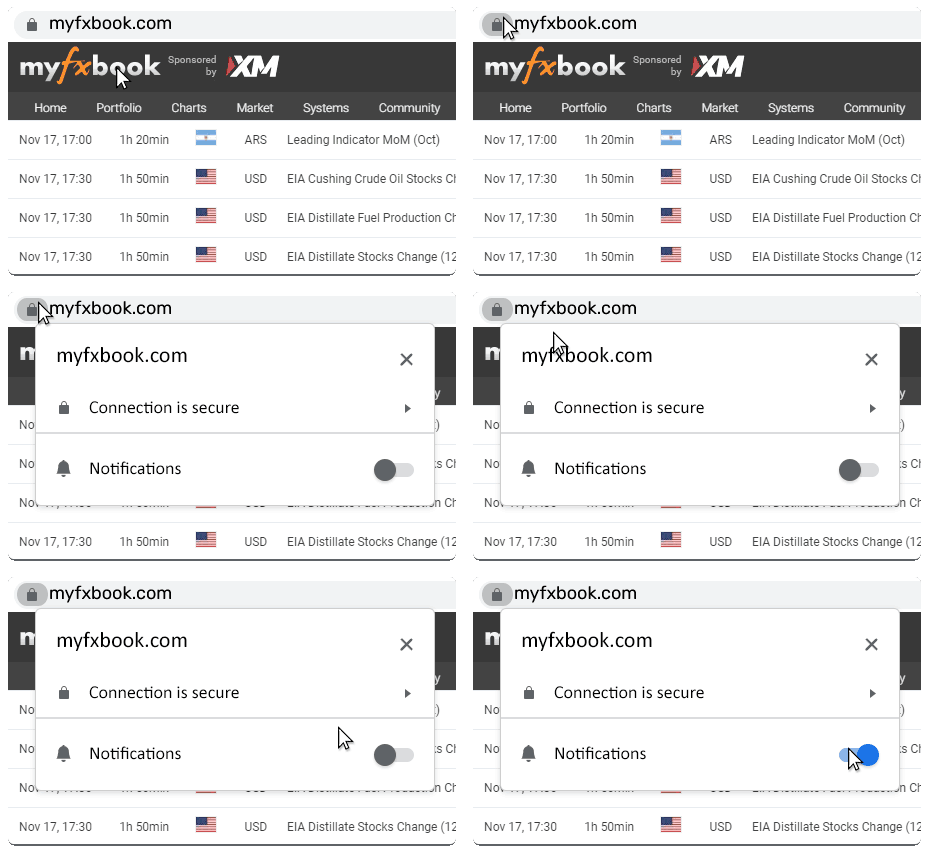
Hi, my FX Book is not tracking, it appears as "myfxboox" in the corner but has an "x" by it instead of the usual smiley face?
Anyone know why or how I can I fix this? I tried changing the password and re-loading but neither worked??
Thanks,
Tommy
Anyone know why or how I can I fix this? I tried changing the password and re-loading but neither worked??
Thanks,
Tommy
Lampiran:

Menjadi Anggota Sejak Jan 19, 2013
224 postingan
Feb 21, 2013 at 07:41
TommyL posted:
Hi, my FX Book is not tracking, it appears as "myfxboox" in the corner but has an "x" by it instead of the usual smiley face?
Anyone know why or how I can I fix this? I tried changing the password and re-loading but neither worked??
Thanks,
Tommy
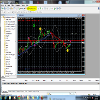
Good evening. Please have a look at the attachment I have posted. Do you see what is highlighted in yellow towards the top of my terminal? Does yours look like that?
Lampiran:
Menjadi Anggota Sejak Jun 26, 2012
183 postingan
Feb 21, 2013 at 08:34
yeah u should have it activated in order to have myfxbook advisor working
Menjadi Anggota Sejak Jan 24, 2013
2 postingan
Feb 22, 2013 at 22:09
BellaVista507 posted:TommyL posted:
Hi, my FX Book is not tracking, it appears as "myfxboox" in the corner but has an "x" by it instead of the usual smiley face?
Anyone know why or how I can I fix this? I tried changing the password and re-loading but neither worked??
Thanks,
Tommy
Good evening. Please have a look at the attachment I have posted. Do you see what is highlighted in yellow towards the top of my terminal? Does yours look like that?
Bisho777 posted:
yeah u should have it activated in order to have myfxbook advisor working
Thanks for the replies guys. I ended up uninstalling / re-installing the EA and all is working again.
Appreciate the responses all the same.
Thanks
Tommy

*Penggunaan komersial dan spam tidak akan ditoleransi dan dapat mengakibatkan penutupan akun.
Tips: Memposting URL gambar/YouTube akan otomatis menyematkannya di postingan Anda!
Tips: Ketik tanda @ untuk melengkapi nama pengguna secara otomatis yang berpartisipasi dalam diskusi ini.